

Figma UI UX Design Essentials
This hands-on Figma UI UX Design Essentials course is perfect for beginners and anyone wanting to level up their skills. We've designed the course content so that anyone can start from scratch, and students with experience can expand their skills and create awesome projects for their portfolio.
You'll learn step-by-step, building confidence and professional design skills while working on real projects along with Daniel Scott, and earn your certificate of achievement.
What’s in the course?
Hint: Get a feel for the course by watching the free lessons!
Why our students love learning with BYOL
“Its been long since I wanted to move to UX designing from being a UI Developer & finally found this amazing course..I cant believe I created my own icons in my previous assignment. Dan is an amazing teacher...!! I'm half way through the course and I'm already feeling confident to apply this knowledge in my corporate projects. Thank you so much Dan!!”
“I have been taking courses from Dan for two years now and he just never disappoints. He speaks clearly and explains things very well. I tried learning Figma on my own but it takes a long time to learn the shortcuts myself because often times I would have to google them on the spot. So to save time, I would recommend to take a course from Dan to understand the basics of the entire software. If you...”
“Loved the style of teaching and how many little bits of knowledge were packed into each lesson. Dan is really good at not overwhelming you with info though, while also making you have to think with homework that isn't completely hand held. I feel like I have a MUCH better grasp of using Figma and have already noticed how much faster I am at creating and designing and prototyping. Highly recommend!”
“Really amazing course. Challenging at times, but very descriptive and can eventually find solutions. Appreciate the note about imposter syndrome at the end because it is a very real feeling. Thanks Dan!”
“This course really helped me to learn the essentials of figma for ui/ux design, I'm glad that a choose this one to start my journey as an ui/ux designer, Dan is a really good teacher and his course taught me very well, even tho english is not my mother language”
“Im half way on the course, and cant keep my eyes from it :D It is so interesting and Dan makes it so informative, but fun at the same time. So many extra tips and tricks out of the things he should teach. Im really liking it.”
“One of the best decisions I've made. This course is so hopeful. Thank you!”
“This course is excellent. I highly recommend it! The course deeply teaches all the things that are important to know in Figma. Dan is simply charming, clearly and correctly teaching the material, with a lot of humanity and also good humor.”
“Funny and thorough. I appreciate the repetition of keyboard commands, I love that fact that he tells you what you can skip and why and I love that he shows the issues/bugs so that you are prepared when that happens to you. A big thank you for making this course entertaining and useful.”
“Awesome!! Very well planned, easy to understand. I watched the Dan's AdobeXD-course before finishing this course. They are both pretty similar and very easy to grasp. Dan is an amazing teacher. Thank you for making the basics clear and laying a strong foundation.”
“Dan is such an incredible instructor, by far my favorite. I have finished this course feeling like I've all but mastered Figma. I would highly recommend this and all the rest of Dan's courses. Thanks, Dan!”
“i enjoyed the youtube which actually motivated me to purchase this course and am not regretting purchasing this course thank you very much”
“I was about quitting UI/UX design due to how cumbersome I thought it was, until i watched the youtube short video on this course! Amazing! Then i joined in here and right now, i cant be much grateful enough to Danny Scott for this wonderful course. Detailed, easy pizzy as he does it and Interactive as well. Now, i can keep up with the pace and definitely, can share and recommend this course to any...”
“Very clear dictation as well as concrete, real-world examples given. That is something that is severely lacking in far too many courses that I have taken part in. Kudos!”
“I am working on real time projects for a company in figma after finished 25% My Classes, thank you for you classes sir, I am always respectful on you, your class is made me what I am today. I am already completed 4 big projects, those project are in development, thank you Sir.”
“Figma is powerful like Illustrator and Dan Scott is showing all the nice cool graphical features of the software. He even show how to get back to your project and get used to using shortcuts and mass applying properties. I feel I’ll soon be a pro on using Figma thanks to Dan Scott’s humorous demonstrations that help make new material stick.”
“Wonderful step-by-step guidance, plus I really love the goofy jokes. 😊 A little bit too slow for me so I watched it on 1.5 speed and enjoyed every minute of it.”
“It is an amazing course for the beginners and people who wants to refresh their knowledge in Figma. I am so motivated because we go step by step and everything is so clear and perfectly explained.I like it so much. Thanks Dan !!!”
“Incredible Course from beginning to end. Very easy to follow, Dan is very optimistic and there was never a dull moment. I have been doing Graphic design for 2 years and have only self-taught Figma for a few months, this course helped tremendously.”
“Dan is super engaging and explains concepts of Figma really well and at a great pace for me as a complete beginner. Will definitely be checking out some of his other courses!”
Class projects & community

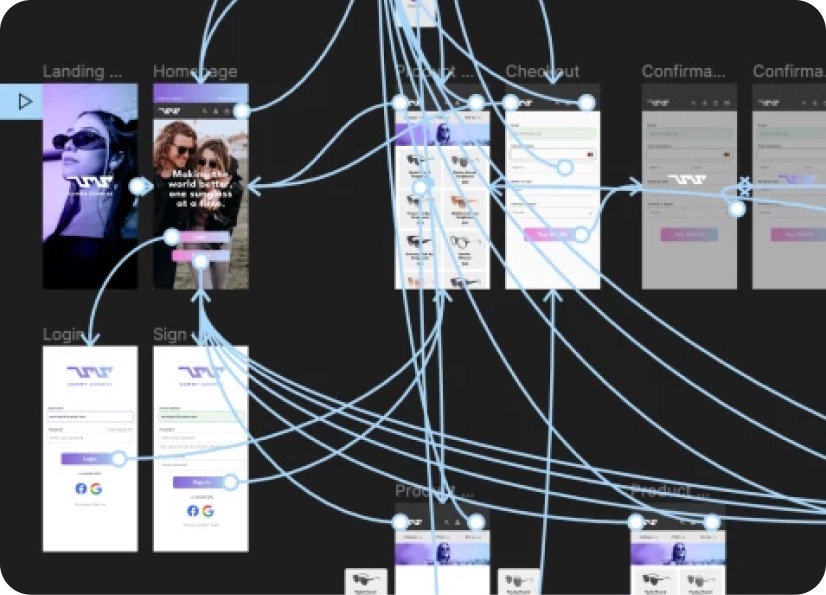
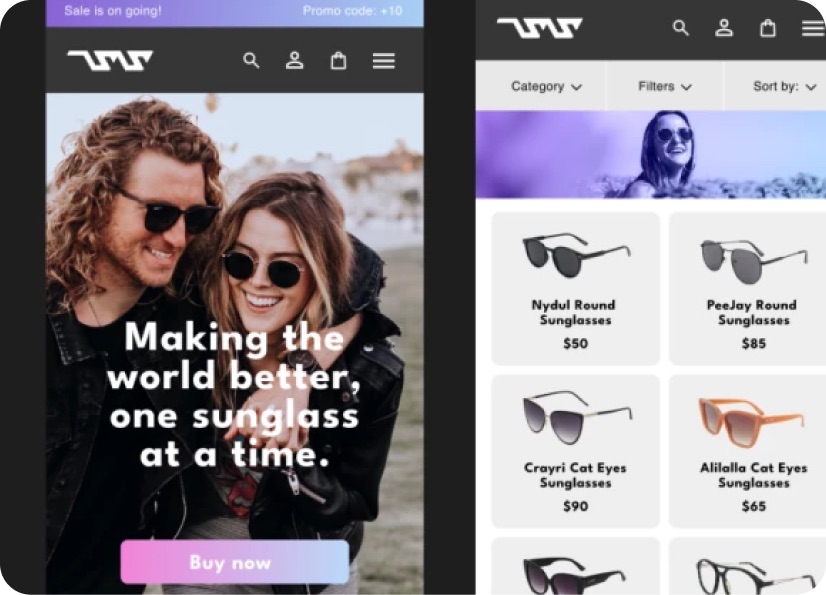
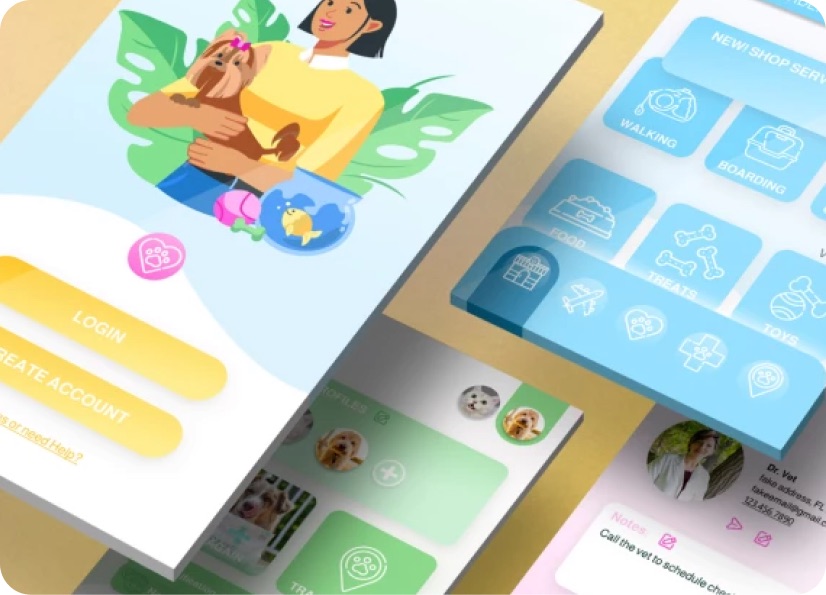
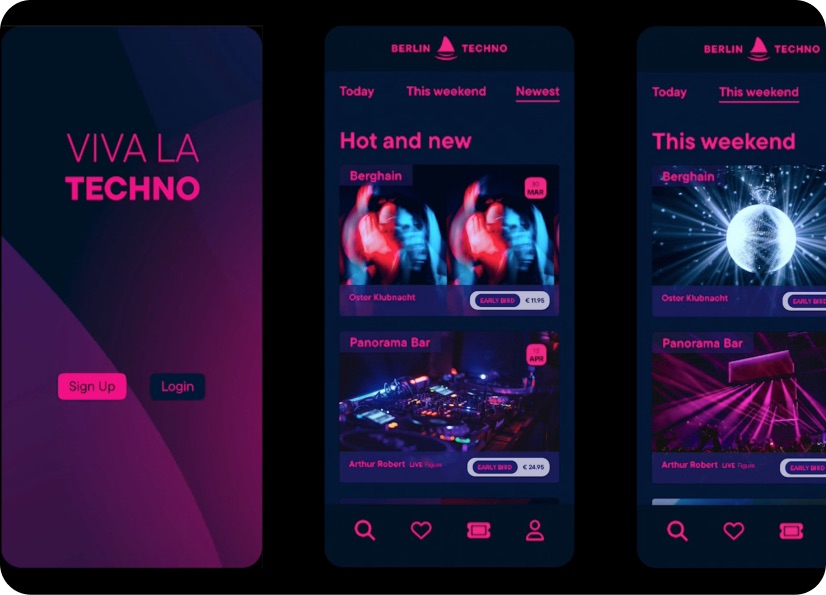
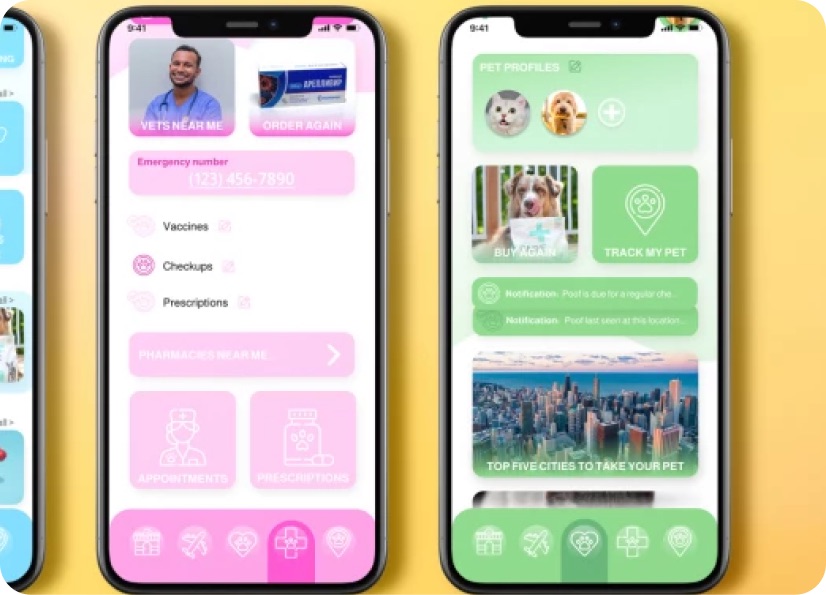
Build real world projects as you learn, create portfolio worthy work, and gain practical experience by doing - not just watching. Share your work with our global creative community, get feedback and support, and learn alongside other students every step of the way.

Meet your instructor
Daniel Scott
Founder of Bring Your Own Laptop & Chief Instructor
I discovered the world of design as an art student when I stumbled upon a lab full of green & blue iMac G3’s. My initial curiosity around using the computer to create ‘art’ developed into a full-blown passion, eventually leading me to become a digital designer and founder of Bring Your Own Laptop.
Sharing and teaching are a huge part of who I am. As a certified Adobe instructor, I've had the honor of winning multiple Adobe teaching awards at their annual MAX conference. I see Bring Your Own Laptop as the supportive community I wished for when I was first starting out and intimidated by design. Through teaching, I hope to bring others along for the ride and empower my students to bring their stories, labors of love, and art into the world.
True to my Kiwi roots, I've lived in many places, and currently, I reside in Ireland with my wife and kids.
Choose your membership plan.
Get unlimited access to every BYOL course and feature. Go monthly for flexibility, or choose yearly and save with our best value option.
Yearly | Best value
- 12 months access for the price of 7
- Save $60.00 vs monthly
- Just $7.00 per month when billed yearly
- Give yourself a full year to level up
- Unlimited access to 35+ design courses
- New course launches and updates
- Take as many courses as you like
- Learn at your own pace
- Class projects & certificates
- Design challenges
- BYOL Expert support
- Private student community
Pay $84.00 today.
Auto-renews annually at $84.00.
Cancel at any time before your renewal.
Monthly | Flexible
- Unlimited access to 35+ design courses
- New course launches and updates
- Take as many courses as you like
- Learn at your own pace
- Class projects & certificates
- Design challenges
- BYOL Expert support
- Private student community
Pay $12.00 today.
Auto-renews monthly at $12.00.
Cancel at any time before your renewal.
Take your design skills to the next level.
Join a private community of designers, with guaranteed feedback and small-group live sessions designed to accelerate your growth.

BYOL+ is for designers who:
- Work solo and want meaningful feedback from peers.
- Are building a freelance business and need guidance.
- Want thoughtful critique to strengthen their portfolio and unlock new opportunities.
"I love the live sessions, the advice has really helped me to move up in my career."
Charlie, BYOL+ student

Includes everything in BYOLCORE, plus:
- 💜 Exclusive BYOL+ Discord community
- ☕️ Live Office Hours with Dan
- ⚡️ Live portfolio review sessions
- 🧠 Live creative community sessions
- 🎬 Live session replay library
- ✏️ BYOL+ exclusive design challenges
- 🔥 Priority BYOL Expert support
- 💬 Priority Class Project feedback
- 📺 Download lessons to watch offline anytime
Pay $199.00 today.
Auto-renews yearly at $199.00.
Cancel at any time before your renewal
Pay $29.00 today.
Auto-renews monthly at $29.00.
Cancel at any time before your renewal
You might also like...


Be the first to hear about new courses and special offers!
