Level up your design skills 🚀
Join 1 million+ other creatives and unlock your potential with quick, easy and fun expert-led lessons.
Explore 35+ Essential and Advanced courses in Figma, Photoshop, Illustrator, Lightroom, Premiere Pro, Webflow, and more. Enjoy self paced learning, personalized support, earn certificates, and exciting community challenges.

WORLDWIDE
Join 1 million+ other creatives and unlock your potential with quick, easy and fun expert-led lessons.
GET STARTED TODAYExplore 35+ Essential and Advanced courses in Figma, Photoshop, Illustrator, Lightroom, Premiere Pro, Webflow, and more. Enjoy self paced learning, personalized support, earn certificates, and exciting community challenges.
-
Figma UI UX Design Essentials
113 lessons / 12 hours21 projectsCertificate of achievement -
Adobe Photoshop CC - Essentials Training
 92 lessons / 11 hours19 projectsCertificate of achievement
 -
Adobe Illustrator CC - Advanced Training
 58 lessons / 9 hours11 projectsCertificate of achievement
 -
Responsive Web Design Essentials - HTML5 CSS3 Bootstrap
 128 lessons / 17 hours5 projectsCertificate of achievement
 -
Adobe InDesign CC - Essential Training
 82 lessons / 7 hours4 projectsCertificate of achievement
 -
Adobe Premiere Pro CC - Essentials Training
 142 lessons / 16 hours10 projectsCertificate of achievement
 -
Adobe Premiere Pro - Advanced Training
 145 lessons / 16 hours13 projectsCertificate of achievement
 -
Color Theory: Get Inspired by Color!
 7 lessons / 2 hours

-
Photoshop Efficiency - Techniques For Consistent Marketing
 17 lessons / 1 hours
 -
Responsive Web Design Essentials - HTML5 CSS3 Bootstrap
128 lessons / 17 hours5 projectsCertificate of achievement -
Color Theory: Get Inspired by Color!
7 lessons / 2 hours -
Illustrator - UI & Web Design using Adobe Illustrator
 45 lessons / 4 hours
 -
Premiere Pro for Corporate Video
 13 lessons / 1 hours
 -
Dreamweaver - Coding your first website using Dreamweaver 2018
 13 lessons / 2 hours
 -
Dreamweaver CC 2018 - Introduction to responsive web design
 9 lessons / 1 hours
 -
Adobe Illustrator CC - Essentials Training
 45 lessons / 7 hours3 quiz questions12 projectsCertificate of achievement
-
How to create, market & sell online courses
 26 lessons / 4 hours
 -
Photoshop CC 2020 Productivity Techniques
 15 lessons / 1 hours
 -
Adobe Premiere Pro - Advanced Training
145 lessons / 16 hours13 projectsCertificate of achievement -
After Effects - Learn Motion Graphic Design
 53 lessons / 6 hours
 -
Illustrator - UI & Web Design using Adobe Illustrator
45 lessons / 4 hours -
Microsoft Excel 2016 Bootcamp - Zero to Hero Training
 24 lessons / 2 hours
 -
Adobe InDesign CC – Advanced Training
 74 lessons / 9 hoursCertificate of achievement
 -
Adobe Illustrator CC - Essentials Training
45 lessons / 7 hours3 quiz questions12 projectsCertificate of achievement
-
What’s new in Adobe XD CC Experience Designer 2019 Updates
 0 lessons / 0 hours
 -
How to create, market & sell online courses
26 lessons / 4 hours -
InDesign Course Updates New Features 2020
 0 lessons / 0 hours
 -
Photoshop CC 2020 Productivity Techniques
15 lessons / 1 hours -
Color Theory: Get Inspired by Color!
7 lessons / 2 hours -
Making money as a web designer
 8 lessons / 0 hours
 -
Adobe After Effects CC 2018 - New Features
 0 lessons / 0 hours
 -
Adobe Illustrator CC 2018 - New Features
 0 lessons / 0 hours
-
Photoshop Efficiency - Techniques For Consistent Marketing
17 lessons / 1 hours -
Illustrator Course Updates New Features 2020
 0 lessons / 0 hours
 -
Adobe Illustrator CC - Advanced Training
58 lessons / 9 hours11 projectsCertificate of achievement -
Color Theory: Get Inspired by Color!
7 lessons / 2 hours -
BYOL Show EP1 - Logo Design
 0 lessons / 0 hours
 -
Microsoft Excel 2016 Bootcamp - Zero to Hero Training
24 lessons / 2 hours -
Dreamweaver CC 2018 - Introduction to responsive web design
9 lessons / 1 hours -
Adobe Illustrator CC - Essentials Training
45 lessons / 7 hours3 quiz questions12 projectsCertificate of achievement
-
What’s new in Adobe InDesign CC 2019 Updates
 0 lessons / 0 hours
 -
Illustrator Course Updates New Features 2020
0 lessons / 0 hours -
UX - How to become a UX Designer
 29 lessons / 2 hours
 -
Making money as a web designer
8 lessons / 0 hours -
After Effects - Animated Infographic Video & Data Visualisation
 52 lessons / 7 hours1 projectsCertificate of achievement
 -
Adobe InDesign CC 2018 - New Features
 0 lessons / 0 hours
 -
Adobe After Effects CC 2018 - New Features
0 lessons / 0 hours -
User Experience Design Essentials - Adobe XD UI UX Design
 89 lessons / 10 hours32 quiz questions17 projectsCertificate of achievement
-
Adobe Illustrator CC - Advanced Training
58 lessons / 9 hours11 projectsCertificate of achievement -
Adobe Photoshop CC - Essentials Training
92 lessons / 11 hours19 projectsCertificate of achievement -
What’s new in Adobe XD CC Experience Designer 2019 Updates
0 lessons / 0 hours -
BYOL Show EP3 - Color
0 lessons / 0 hours -
Photoshop - How To Design A Website In Photoshop
 49 lessons / 3 hours
 -
After Effects - Learn Motion Graphic Design
53 lessons / 6 hours -
Microsoft Word 2016 Bootcamp - Zero to Hero Training
 52 lessons / 3 hours
 -
Dreamweaver CC 2018 - Introduction to responsive web design
9 lessons / 1 hours
-
Illustrator Course Updates New Features 2020
0 lessons / 0 hours -
What’s new in Adobe XD CC Experience Designer 2019 Updates
0 lessons / 0 hours -
How to create, market & sell online courses
26 lessons / 4 hours -
BYOL Show EP3 - Color
0 lessons / 0 hours -
User Experience Design Essentials - Adobe XD UI UX Design 2019
0 lessons / 0 hours -
Premiere Pro for Corporate Video
13 lessons / 1 hours -
Premiere Pro & Dreamweaver - Fullscreen background video for a website
 15 lessons / 2 hours
 -
Adobe InDesign CC 2018 - New Features
0 lessons / 0 hours
Whether you're starting out or levelling up, our courses are designed to meet you where you are. Learn at your own pace, with expert guidance and the support of a worldwide student community.
START YOUR DESIGN JOURNEYWhy our students love learning with BYOL.
“This is a great course! A while back I tried Webflow's own course and got deeply overwhelmed. But the combination of having done Dan's Figma courses, and now Webflow Essentials... It's easy! SUCH a nice feeling!! Thanks so much for all the tremendous value you bring to self-taught designers worldwide, BYOL!”
 Kotryna | Webflow Essentials
“Challenging yet accessible content - exactly what a designer like me needs to grow in Figma knowledge and to become a better UI/UX designer. Thank you to Dan and to the BYOL team! I highly recommend this course.”
 Filip | Figma Advanced
“I especially appreciated the practical, project-based approach—working on real-life redesigns and UX case studies helped me not only learn the tools but also understand the entire design process. The assignments and final project challenge you to think like a designer and apply your skills in meaningful ways - this course gave me the confidence to tackle my own design projects in Figma. The community and resources provided are also great for extra support. I highly recommend it to anyone looking to get started in UX/UI or sharpen their skills!”
 Lesley | Figma Essentials
“This course has taught me so much. In literally 15 days I have learnt so much and even started my freelancing career. Dan is really a great teacher. The most important thing is do not forget to do class projects- they help you get more creative and build your portfolio.”
 Sujal | Illustrator Advanced
“I'm really happy I decided to take this InDesign course! The instructor is fantastic, he explains everything clearly and step-by-step, making even the more complex tools and features easy to understand. I’ve already learned so much and feel much more confident using InDesign.”
 Ana | InDesign Advanced
Learn design the BYOL way.
Real projects. Real skills. Real World.
Learn the actual design skills and software you need for your dream design industry. Whether you're a true beginner or a seasoned pro, every course comes with real-world projects and workflow tips to start using right away.
“I learned SO MUCH!”
Marissa - BYOL Student
Expert support. Worldwide community.
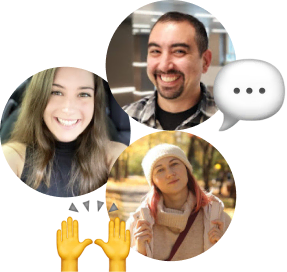
You’ll never be stuck on your own! Our team of design Experts are here to answer questions big and small, while a worldwide student community shares work, cheers you on, and takes on regular design challenges.
“Thank you for making learning fun!”
Faith - BYOL Student
Your learning, your way.
Learning design isn’t one-size-fits-all. Here you’ll go at your own pace, create projects that inspire you, and revisit lessons as often as you like. From day one you’ll unlock unlimited access to every course, so you can explore widely, jump ahead, or focus only on the parts that matter to you.
“You are the GOAT! Thank you for all the courses.”
Aristote - BYOL Student
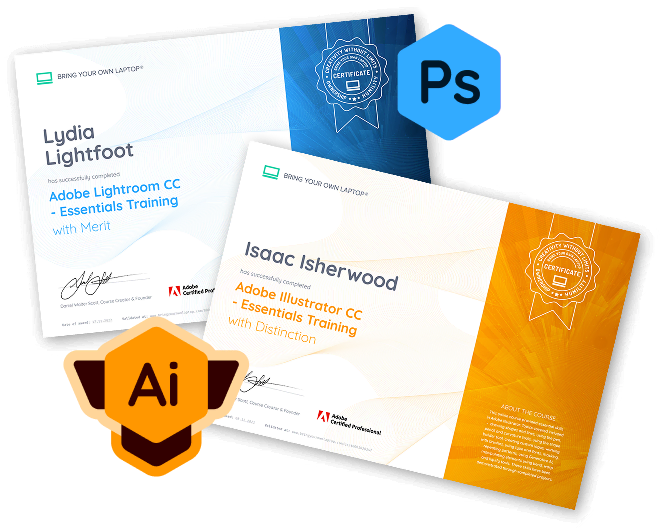
Celebrate all the wins!
Certificates of achievement are awarded for every course you complete — helping you track your journey, celebrate success, and share your skills. Whether it's by updating your LinkedIn, adding to your CV, or boosting your own confidence, your certificates show the progress you've made.
“Every lesson leaves me feeling inspired to get creative”
Rosslee - BYOL Student
Your community of designers.
Get inspired, share your projects, and grow your skills with creatives just like you 🙌
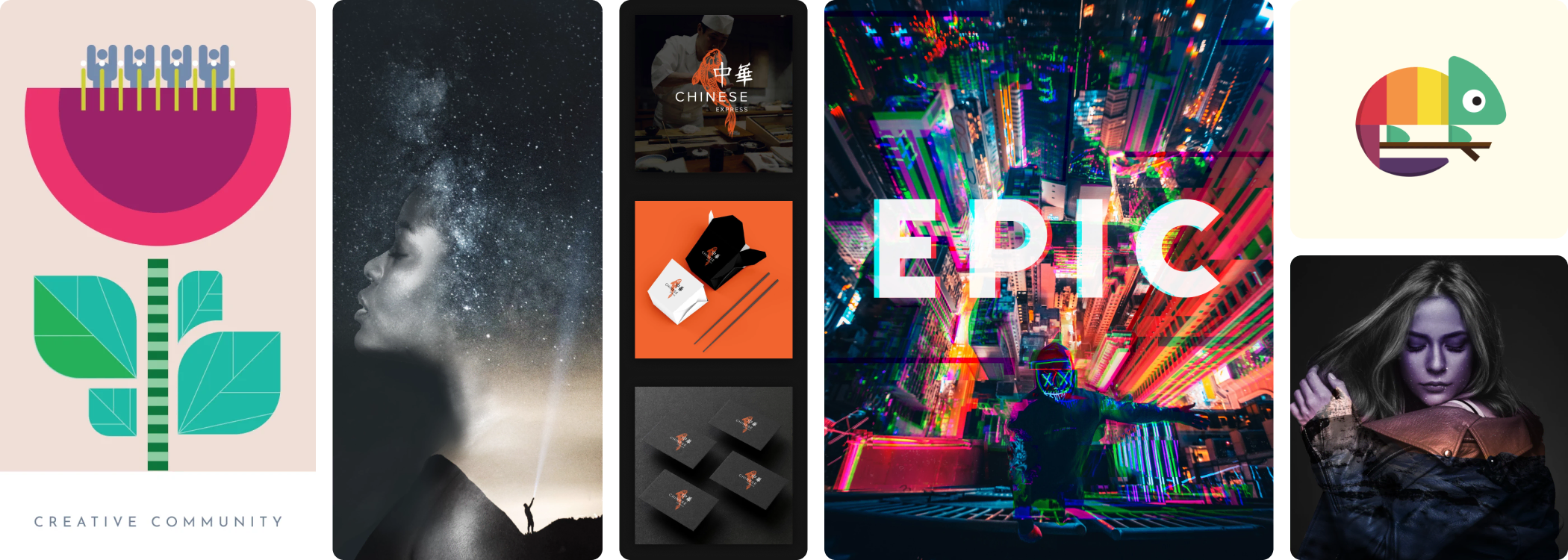

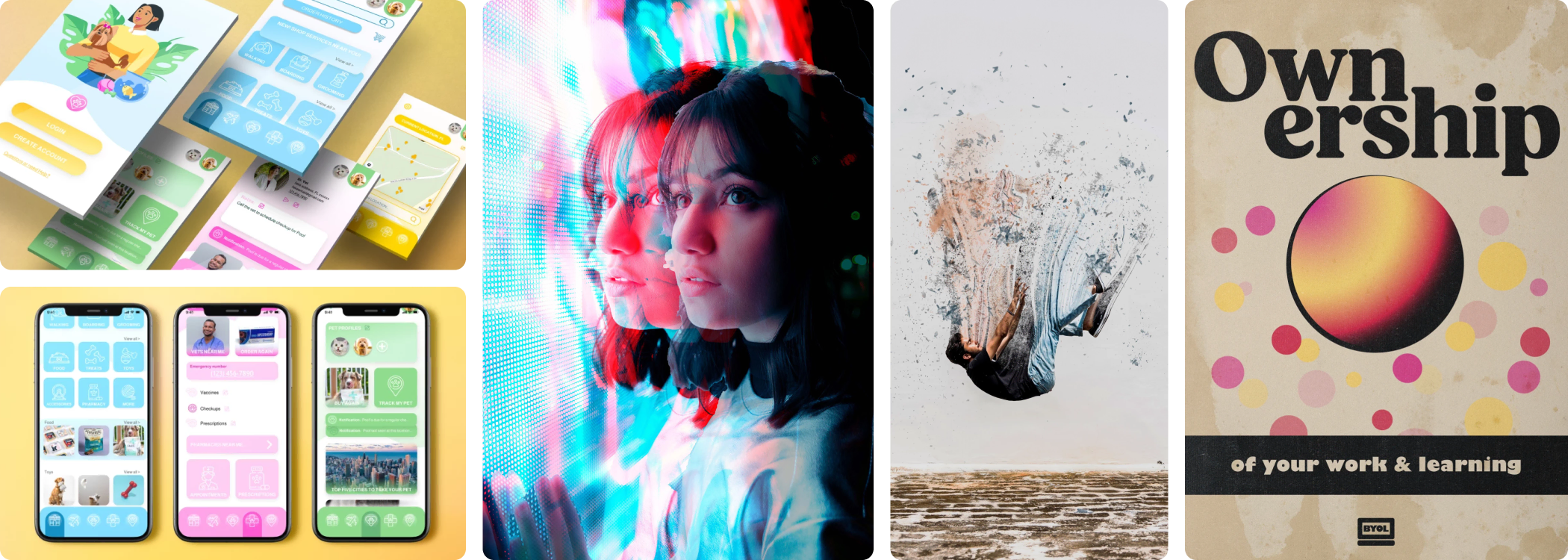
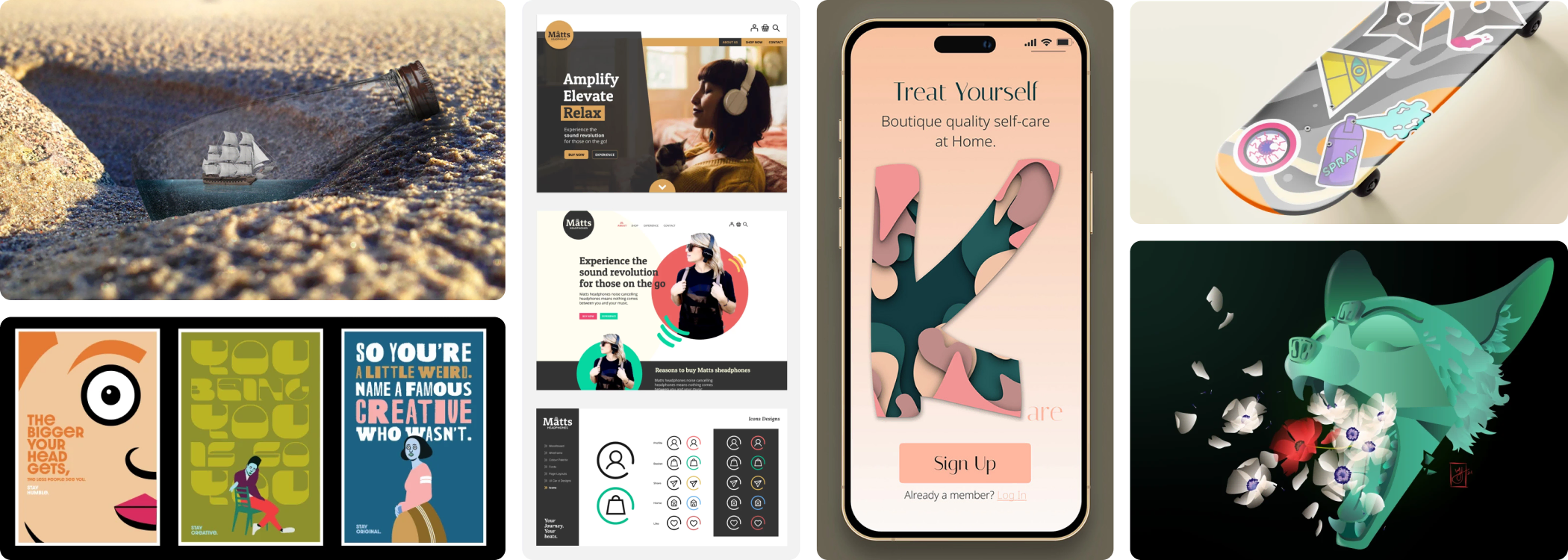
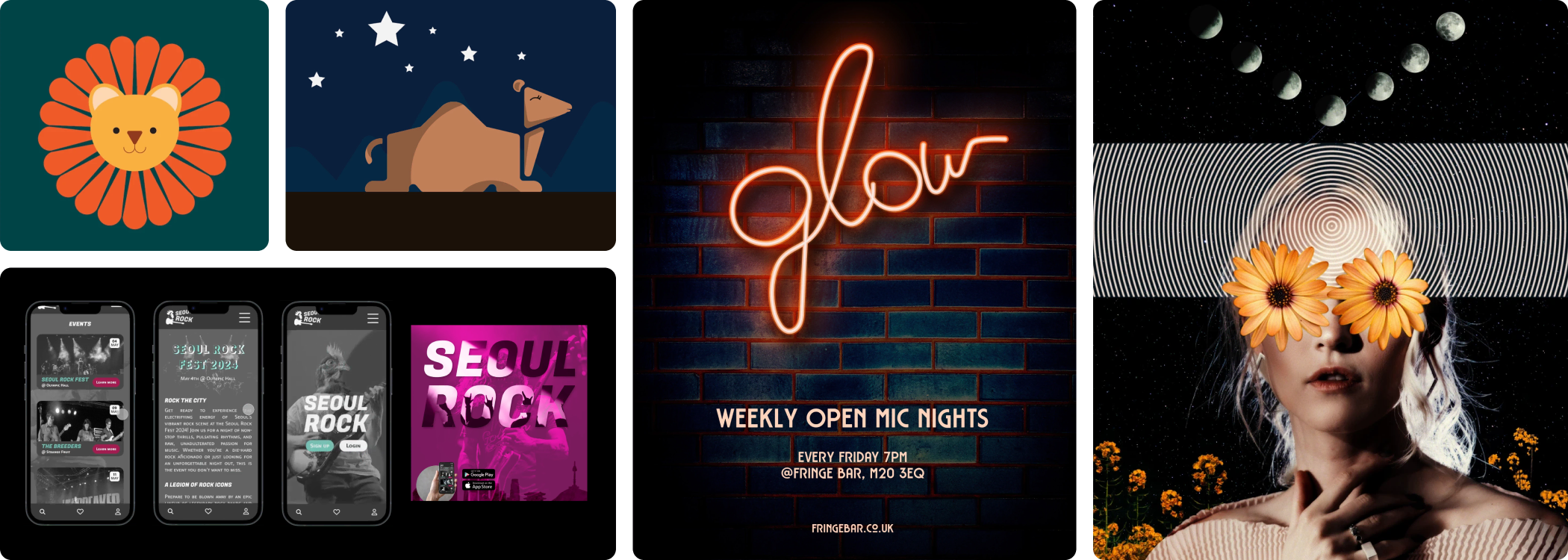
Class projects by BYOL.com students
ENROL WITH US TODAYMeet your instructors
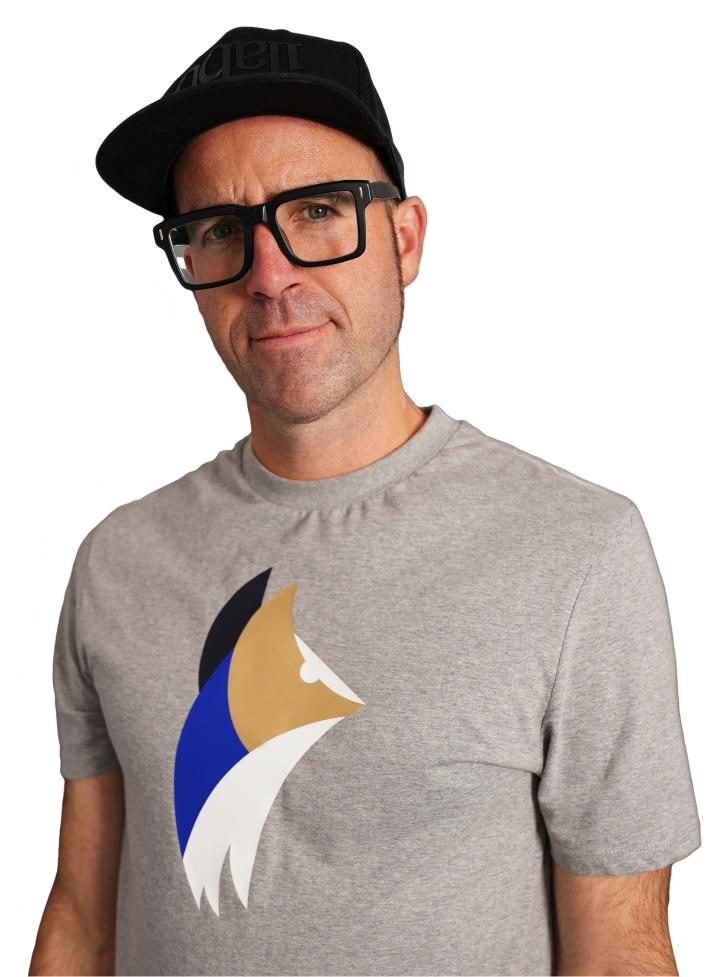
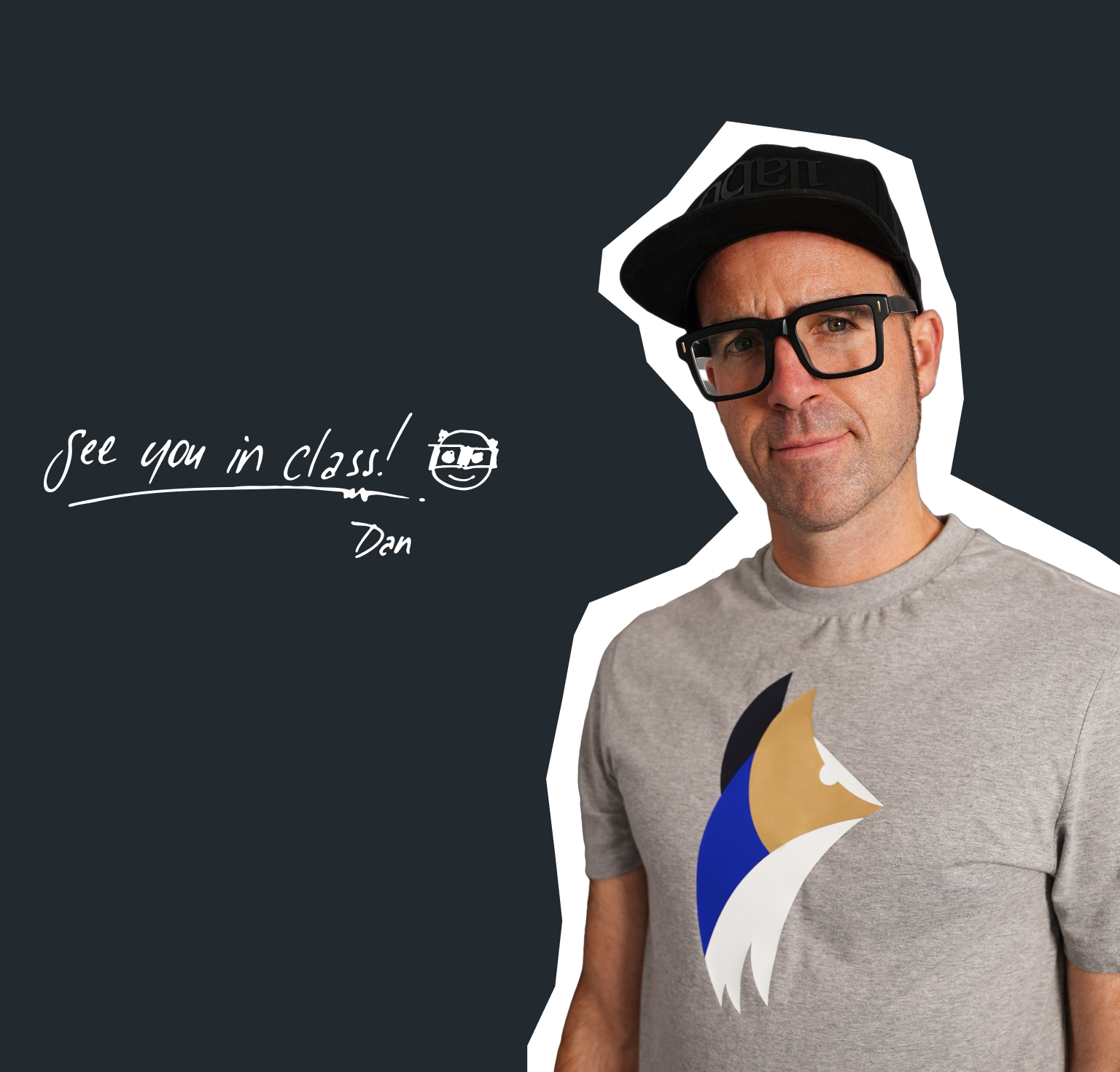
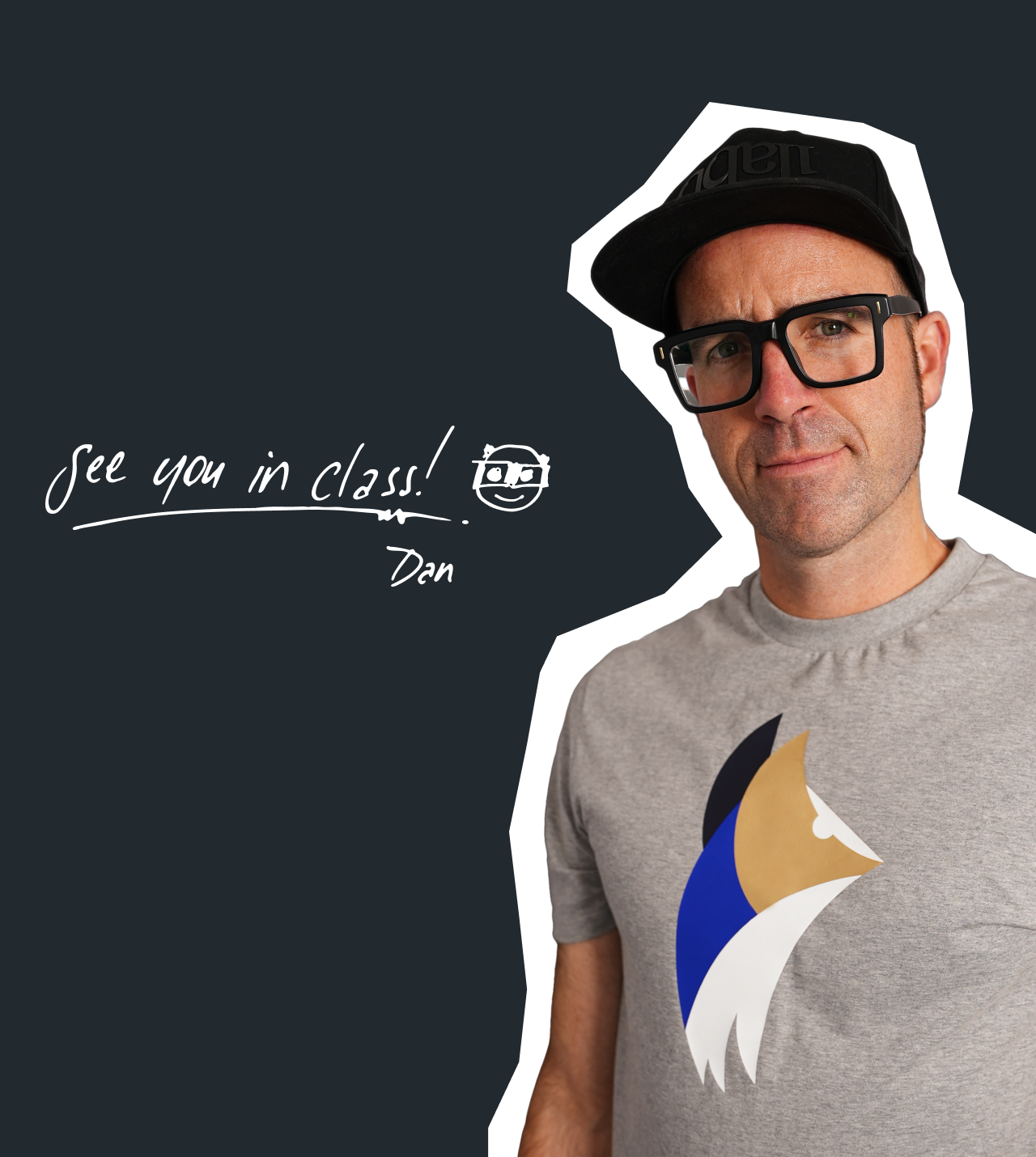
Daniel Walter Scott
BYOL Founder and Chief Instructor
Figma | Illustrator | Premiere Pro | Lightroom
I discovered the world of design as an art student when I stumbled upon a lab full of green & blue iMac G3’s. My initial curiosity around using the computer to create ‘art’ developed into a full-blown passion, eventually leading me to become a digital designer and founder of Bring Your Own Laptop.
Sharing and teaching are a huge part of who I am. As a certified Adobe instructor, I've had the honor of winning multiple Adobe teaching awards at their annual MAX conference. I see Bring Your Own Laptop as the supportive community I wished for when I was first starting out and intimidated by design. Through teaching, I hope to bring others along for the ride and empower my students to bring their stories, labors of love, and art into the world.
True to my Kiwi roots, I've lived in many places, and currently, I reside in Ireland with my wife and kids.

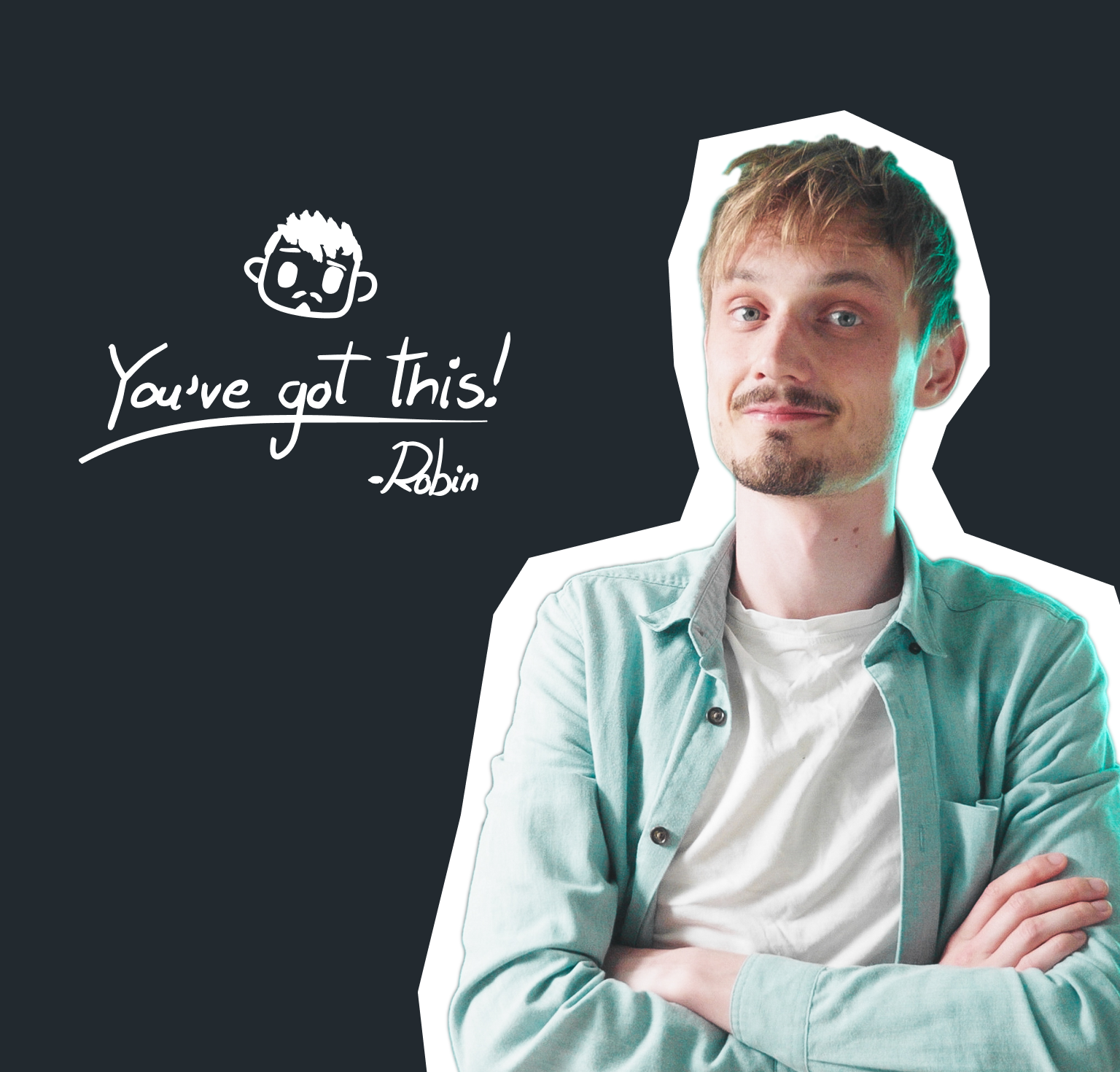
Robin Ruud
Instructor, 3D Designer & Animator
Blender | 3D Design
I am a 3D Designer and Animator and my mission is to help level up the Blender community from hobbyists to professionals.
I first got into 3D design through a required course at college. It wasn’t love at first sight, but the challenge pulled me in - I’m stubborn like that! What started as a reluctant introduction became a deep and lasting creative focus.
My background is in design and marketing, and I’ve always been drawn to projects that blend design, 3D and motion - things like product renders, poster artwork, and brand animations. Blender became my go-to tool, and it’s now at the heart of everything I make.
These days, I share what I’ve learned on YouTube as Robin Squares, where I create Blender tutorials for designers, animators, and curious creatives. I live in Norway, where I split my time between teaching, making, and writing.


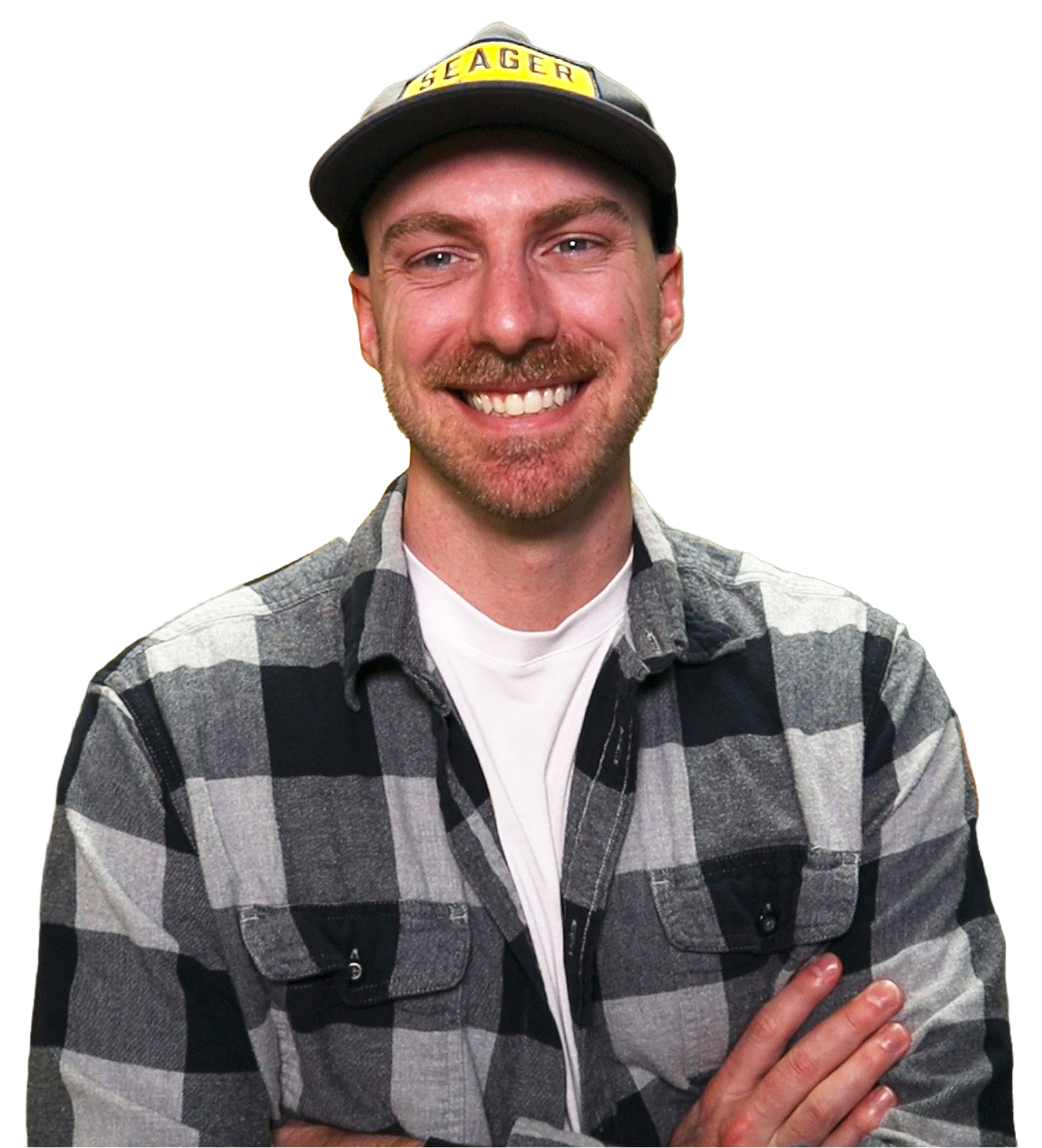
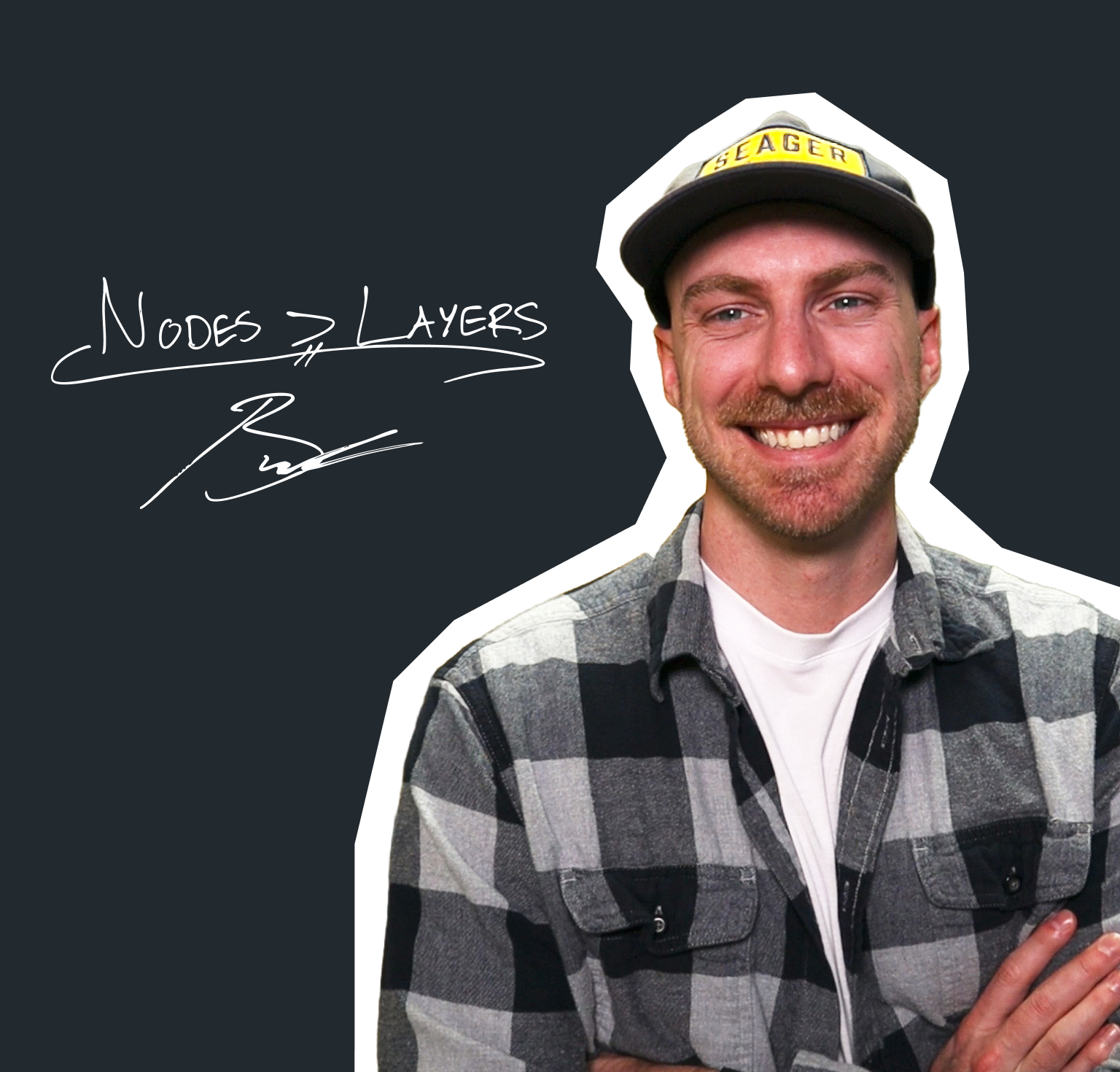
Brandon Baldovin
Instructor, Editor & Creative Engineer
DaVinci Resolve | Video Editing
I am a video editor, content strategist, and educator, and my mission is to help creators understand not just how to edit, but why video editing works.
I hold a Master’s degree in Aerospace Engineering and have taught at the college level as an engineering instructor. Over the past three years, I’ve also taught video editing to beginner and intermediate creators, helping them build a stronger foundation and how to edit with more intention.
My engineer’s mindset strongly influences how I approach creative problem-solving. I focus on breaking down complex editing concepts into clear, practical techniques that creators can confidently apply. Over the past five years, my work has centred on visual storytelling, with a deep emphasis on DaVinci Resolve.
I was born and raised on California’s Central Coast, and I create educational resources designed to help others create more.

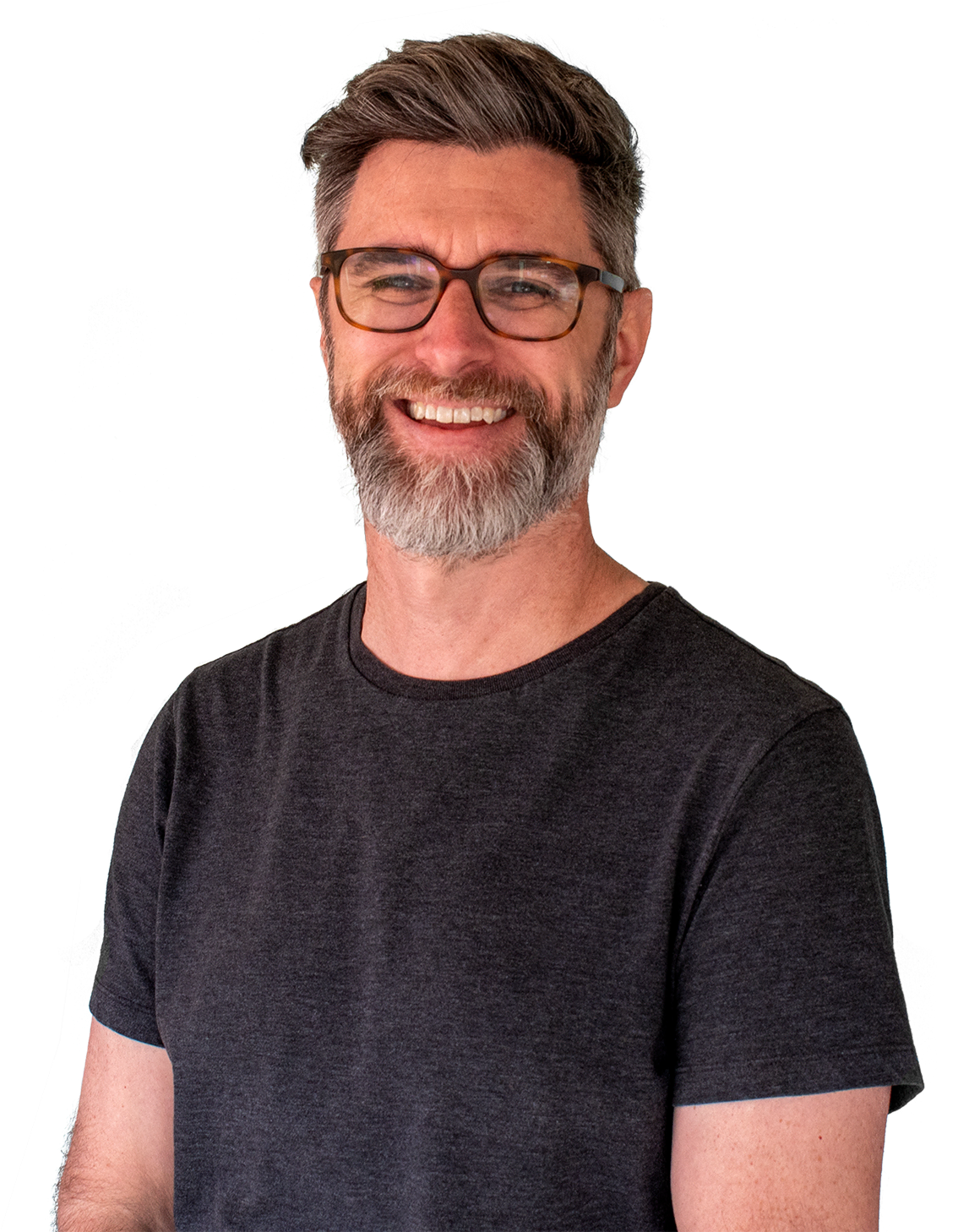
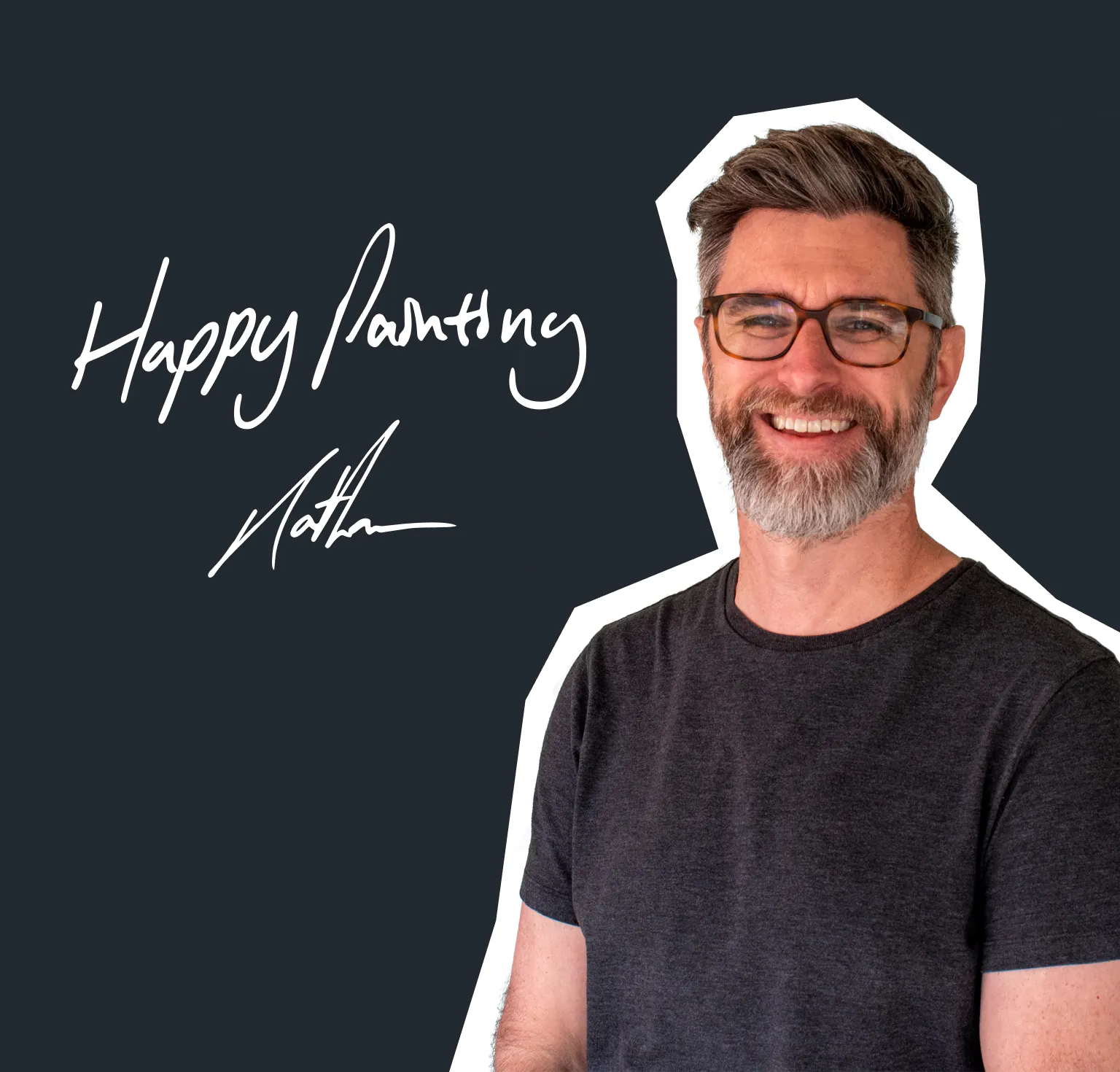
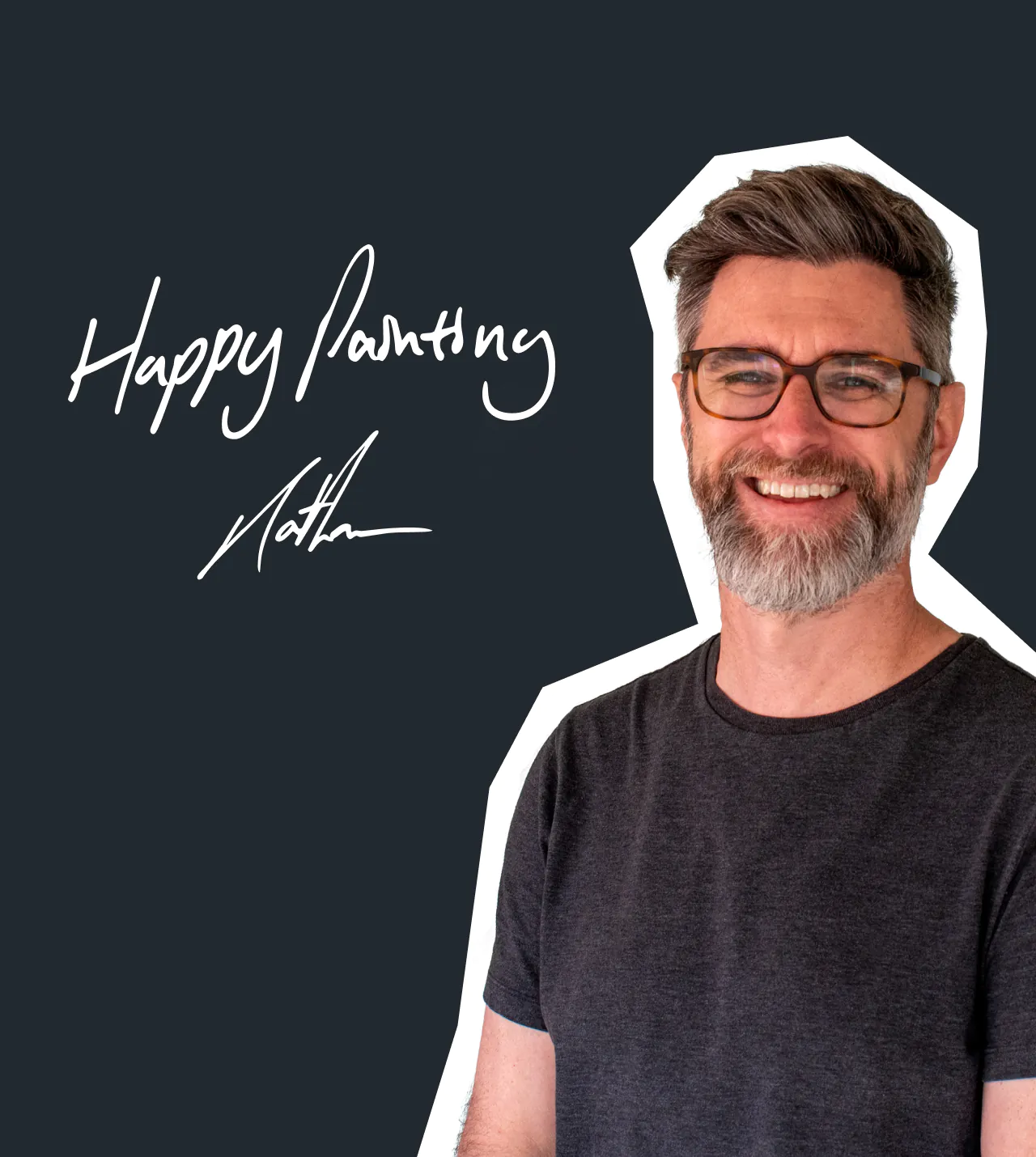
Nathan Brown
Instructor, Artist & Illustrator
Procreate | Digital Art
I'm an artist and illustrator with over 25 years of experience working across both traditional and digital media.
I draw on my background in painting and drawing to create digital brushes, textures, and tutorials that capture the authentic look and feel of real art materials. My goal is to make digital painting feel natural and approachable, without losing the tactile qualities that make traditional art so rewarding.
I help beginner and intermediate artists build confidence, develop their own creative process, and discover a style that genuinely feels like theirs.
Alongside teaching, I continue to work on my own illustration projects - often inspired by the golden age of movie posters from the 70s and 80s. Whether I'm creating tools for other artists or working on a large-scale piece, it always comes back to the same thing: sharing the joy of making art and helping others experience that for themselves.
I'm based in Texas, where I split my time between teaching, creating, and developing new resources for artists.

Frequently asked questions.
We’ve answered some common questions below but we’re always here to help! Send us a message.
Our courses can be streamed from our website.
We do not currently offer offline viewing.
Our courses have been designed for all skill levels and our Essentials courses don’t require any prior knowledge. Having everyday basic computer skills will help you get the most out of your membership.
A Mac or PC is suitable for taking our courses. All you’ll need is the software ready on your computer to get started. All software providers have info on minimum system requirements to run their apps and we recommend checking on their websites for the most up to date guidance.
