
Adobe InDesign CC - Essential Training
This hands-on Adobe InDesign CC - Essential Training course is perfect for beginners and anyone wanting to level up their skills. We've designed the course content so that anyone can start from scratch, and students with experience can expand their skills and create awesome projects for their portfolio.
You'll learn step-by-step, building confidence and professional design skills while working on real projects along with Daniel Scott, and earn your certificate of achievement.
What’s in the course?
Hint: Get a feel for the course by watching the free lessons!
Why our students love learning with BYOL
“I like the format of the course including the short length, the very limited amount of information that is presented, as well as the way it is shown and narrated. I am an editor for books that are translated from English to Spanish. My freelancers work with InDesign when creating the final versions of the books. By taking this course I am able to better grasp the problems that arise for the freela...”
“I love that the course is delivered by an experienced practitioner. In the course, I learned a lot of practical features and use case in real life application also problems that might occur while working with InDesign.”
“Really informative and covers the basics really well. Gives you a good introduction to Indesign and the assignments allow you to practice all you've learnt, whilst increasing your creativity and ability to experiment. A really good course!”
“I am so spectacularly happy that Dan is teaching this course!!! He makes learning fun and easy! #bestteacherever”
“loving the pace and the assignments. I also like that the videos are broken up into smaller bits that are titled so clearly. It makes it super easy to go back over something I may have missed or need a second look at.”
“I have found this course so helpful with my marketing job. It really is easy to follow along and I have been able to immediately use what I have learned. Great course!”
“It was an excellent course; the sessions were fantastic and very well understandable.”
“I've become much more adept at using InDesign. I already used the skills up until this point to submit a University report. Such quick and easy explanations. I'm really satisfied with the course. Thank you Dan!”
“I write jewelry tutorials, and because I'm already paying for Adobe Creative Cloud, I want to get away from relying on Word and Canva to produce my PDF tutorials. This course has been invaluable! I never could have figured out how to use Adobe InDesign effectively on my own -- even being fairly proficient with other Adobe applications. All the tips, tricks, and shortcuts that Dan shares in this co...”
“It was very knowledgeable course. I understand all about the tools and all the functions of the tools. its very much similar like illustrator . thank you for this course.”
“Daniel's Indesign course goes for the jugular and doesn't waste your time. Here's a tip: if it seems Daniel is speaking too fast for you slow down the video speed to .75 or less. Be patient, focus, take frequent breaks and stay the course. Good luck!”
“I am learning a lot! I have completed a few more of Dan's courses and Love them. These courses help me to improve my skill and freelance career. I can't wait to start the next course. Thank you, Dan!! Regards.”
“Hi Daniel! Thank you so much for this great course! When I opened the first lesson, I saw InDesign for the first time. But by the time I got past 3/4 of the course, I was already working on a real project! My wife works as an illustrator and she needed a typesetter for a children's book she was commissioned to do. So I started to understand the basics of InDesign and now I'm working on a real proj...”
“This is starting to feel like deja vu, but after completing 5 of Dan's courses once again his charisma is making me feel like I will conquer the world with my new tool. Something that I noticed is how Dan is great at explaining complicated terminology and making it sound simple and understandable. And to top it all his passion for teaching and design makes his courses very exciting to go through....”
“I've gone through the entire "essential training" course and I love it. I'm a 76 year old/young woman and English is not my native language but still I'm feeling ready to start the layout of an illustrated brochure (> 140 pgs) in ID. Great teacher, great course - tx. Odette”
“The best course on the web, hands down. Thanks so much, you have given me such a boost!”
“Halfway through and this course has been smooth sailing! I love that most touched-on tutorials are less then 4 min, it makes you feel like you're making efficient progress! lol Dan does an amazing job of not going too fast and not going too slow, that's what initially gravitated me to his tutorials to begin with, he does really well at breaking everything down to easy to follow steps.”
“This was a great course. I love the portfolio piece at the end that I can practice my skills while creating something that can be used to help get me more clients. Thanks Dan! Cannot wait to continue to more courses from you.”
“This course has been great. It integrates all the indesign functions gradually without ever overloading you, but still organises the lessons into sections that revolve around a different design project. Having a different output for each section: a poster, newsletter, long doc etc. has kept me engaged throughout. I especially like creating my own version of the output at the end of each section -...”
“Dan, as always delivers excellent tuition with a sense a humour. Had the privilege of taking his after effects course and signed up for this one, in conjunction to expanding my knowledge from the learnkey tutorials and was not disappointed so far. Dan has gone over, not only the basics, but expanded upon even the official exam course teachings which has what has made it worthwhile for me. Excell...”
Class projects & community

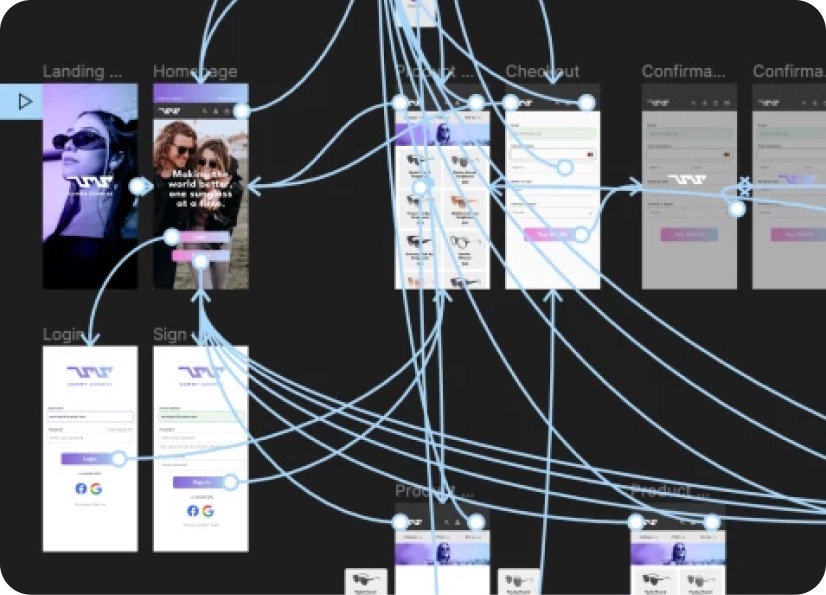
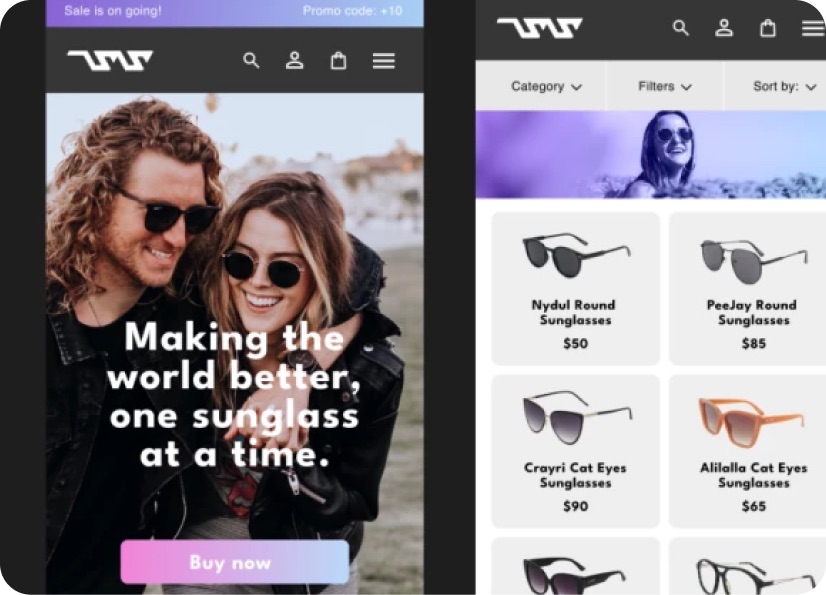
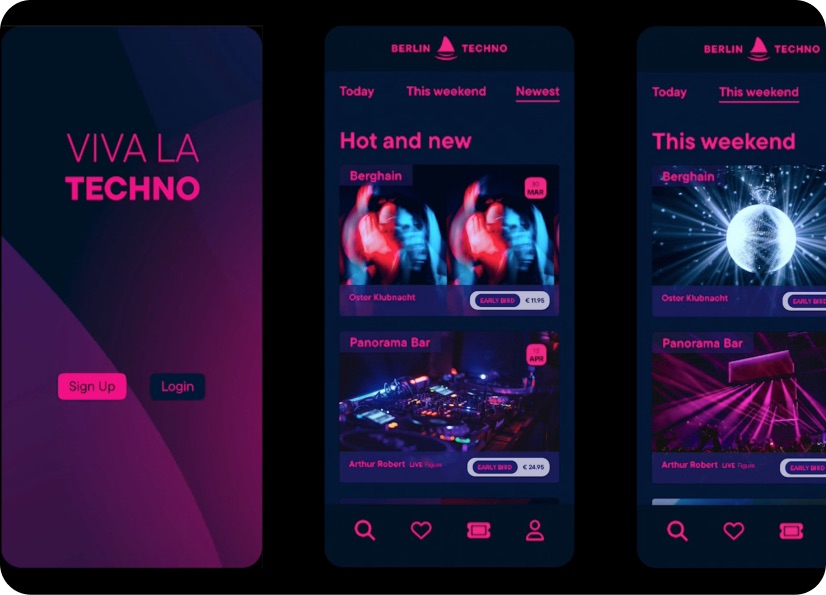
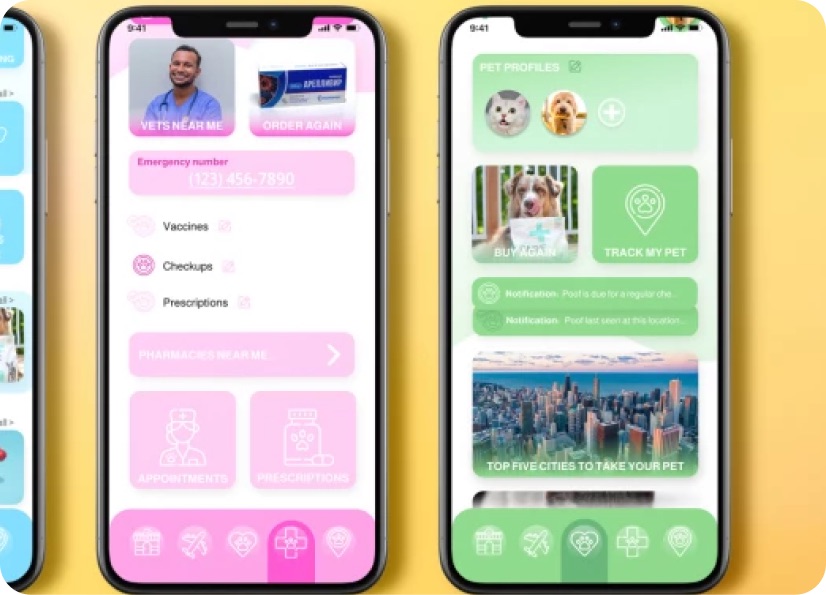
Build real world projects as you learn, create portfolio worthy work, and gain practical experience by doing - not just watching. Share your work with our global creative community, get feedback and support, and learn alongside other students every step of the way.


Meet your instructor
Daniel Scott
Founder of Bring Your Own Laptop & Chief Instructor
I discovered the world of design as an art student when I stumbled upon a lab full of green & blue iMac G3’s. My initial curiosity around using the computer to create ‘art’ developed into a full-blown passion, eventually leading me to become a digital designer and founder of Bring Your Own Laptop.
Sharing and teaching are a huge part of who I am. As a certified Adobe instructor, I've had the honor of winning multiple Adobe teaching awards at their annual MAX conference. I see Bring Your Own Laptop as the supportive community I wished for when I was first starting out and intimidated by design. Through teaching, I hope to bring others along for the ride and empower my students to bring their stories, labors of love, and art into the world.
True to my Kiwi roots, I've lived in many places, and currently, I reside in Ireland with my wife and kids.
Choose your membership plan.
Get unlimited access to every BYOL course and feature. Go monthly for flexibility, or choose yearly and save with our best value option.
Yearly | Best value
- 12 months access for the price of 7
- Save $60.00 vs monthly
- Just $7.00 per month when billed yearly
- Give yourself a full year to level up
- Unlimited access to 35+ design courses
- New course launches and updates
- Take as many courses as you like
- Learn at your own pace
- Class projects & certificates
- Design challenges
- BYOL Expert support
- Private student community
Pay $84.00 today.
Auto-renews annually at $84.00.
Cancel at any time before your renewal.
Monthly | Flexible
- Unlimited access to 35+ design courses
- New course launches and updates
- Take as many courses as you like
- Learn at your own pace
- Class projects & certificates
- Design challenges
- BYOL Expert support
- Private student community
Pay $12.00 today.
Auto-renews monthly at $12.00.
Cancel at any time before your renewal.
Take your design skills to the next level.
Join a private community of designers, with guaranteed feedback and small-group live sessions designed to accelerate your growth.
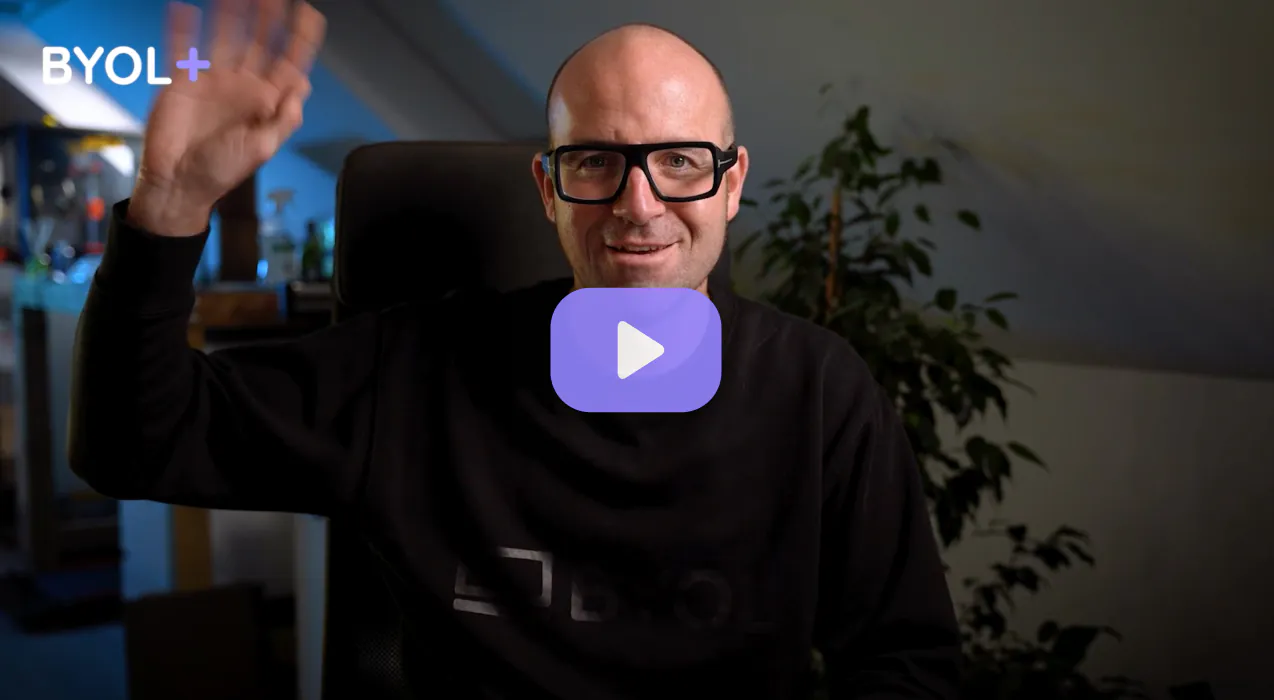

BYOL+ is for designers who:
- Work solo and want meaningful feedback from peers.
- Are building a freelance business and need guidance.
- Want thoughtful critique to strengthen their portfolio and unlock new opportunities.
"I love the live sessions, the advice has really helped me to move up in my career."
Charlie, BYOL+ student

Includes everything in BYOLCORE, plus:
- 💜 Exclusive BYOL+ Discord community
- ☕️ Live Office Hours with Dan
- ⚡️ Live portfolio review sessions
- 🧠 Live creative community sessions
- 🎬 Live session replay library
- ✏️ BYOL+ exclusive design challenges
- 🔥 Priority BYOL Expert support
- 💬 Priority Class Project feedback
- 📺 Download lessons to watch offline anytime
Pay $199.00 today.
Auto-renews yearly at $199.00.
Cancel at any time before your renewal
Pay $29.00 today.
Auto-renews monthly at $29.00.
Cancel at any time before your renewal
You might also like...


Be the first to hear about new courses and special offers!
