
Illustrator Courses
Go from zero to hero or level up your existing skills with our self-paced, expert-led Illustrator courses
Start learning today


Looking for more? Browse all BYOL courses
Dive into Illustrator projects and challenges
We couldn't be more proud of our growing student community. Awesome people, epic work 🙌

 Start learning today
Start learning Illustrator today
Adobe Illustrator is a powerful tool used by designers to create vector-based artwork, from professional logos to detailed illustrations and compelling infographics.
In BYOL’s Illustrator Essentials course, Adobe Certified Professional and Adobe MAX Master Award winner Dan Scott will teach you techniques such as tips for conquering the pen, pencil, and curvature tools, the world of brushes, lines, and strokes, and how to harness the power of Adobe's Generative AI features to push your creative boundaries. Through the course, you will create real-world, portfolio-ready projects.
When you are ready to take your Illustrator skills to the next level, BYOL’s Illustrator Advanced course will help you speed up your workflow and expand your knowledge with step-by-step instruction on quick color adjustments, the best method for vectorizing and coloring hand-drawn sketches, and tips for creating charts and graphs.
As a member of the BYOL community, you’ll learn the tools to create anything your creative heart desires—from icons, logos, and postcards to beautifully hand-drawn illustrations!


Earn badges and certificates to celebrate your Illustrator achievements
Celebrate and share the milestones in your learning journey with our badges and certificates of achievement.
Start learning todayOur students rate BYOL.com as
“World Class!”
based on our ongoing NPS feedback score
30+ expert-led courses


Our students rate BYOL.com as
“World Class!”
based on our ongoing NPS feedback score
over
1 million
students have become better designers with BYOL
Tips, hacks and how-to's and more from the BYOL blog
Unlocking the Power of the Smooth Tool in Illustrator
How to Use Illustrator's Smooth Tool Like a Pro
 Daniel Scott
How to Make a Pattern in Illustrator
Explore patterns and use them to create art
Daniel Scott
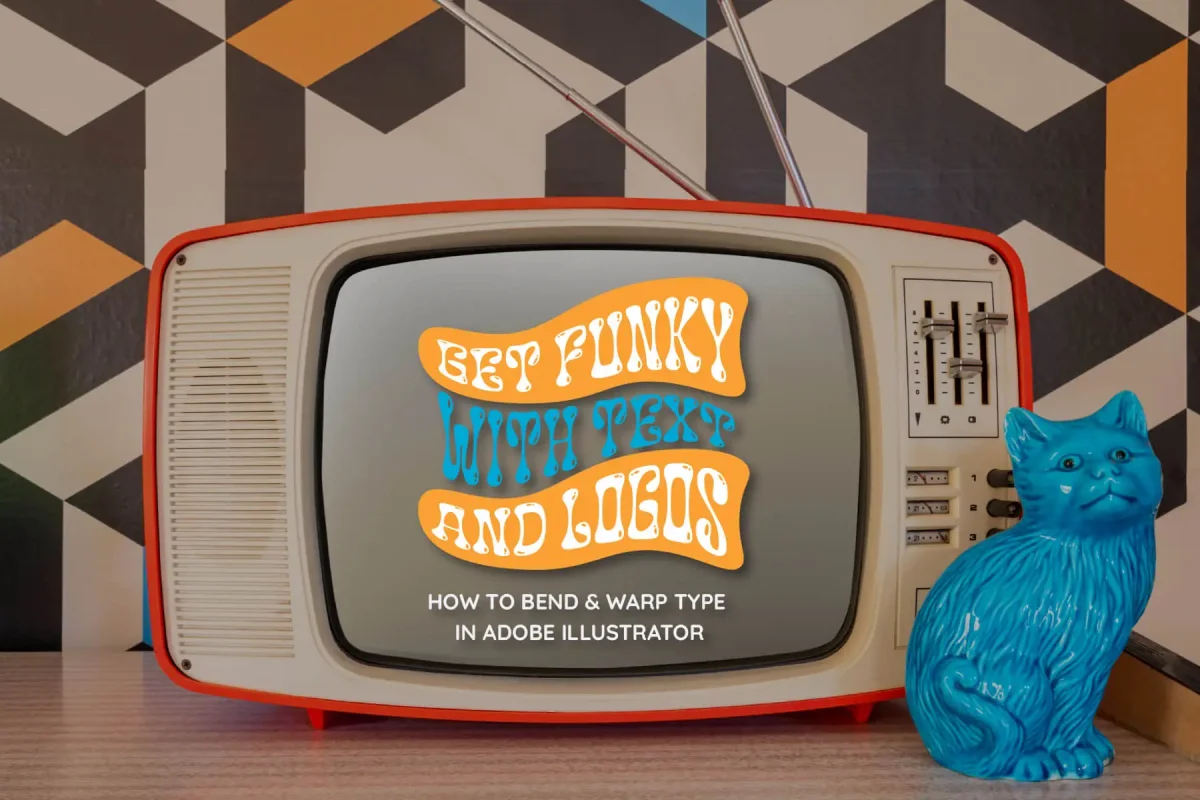
Learn How to Warp Text in Illustrator
Learn How to Warp Text in Illustrator | A Beginner's Guide
Daniel Scott
Become a BYOL student
Explore 30+ Essentials and Advanced courses in Figma, Photoshop, Illustrator, Lightroom, Premiere Pro, Webflow, and more. Enjoy self paced learning, personalized support, earn certificates, and exciting community challenges.
Start learning today
Unlimited access to ALL content
Instant access to all of our courses and exclusive content while you're a member

Study day or night - ad free!
Work completely at your own pace, download resources and watch with no ads!

Certificates of achievement!
Celebrate and share the milestones in your learning journey

BYOL Expert support
Ask us anything! Our amazing experts are here to support you

Community activities
Join in our regular design challenges, live streams and Q&As.

Connect and create
Connect with other creators and share feedback on projects.
Frequently asked questions
We've answered some common questions below but we're always here to help!

- Powered by Marvin
- Terms of use
- Privacy policy
- Cookie policy
-
- © Bring your Own Laptop Ltd 2026