🚨 Heads up! This course is no longer supported. We recommend checking out our Webflow Essentials course.

Dreamweaver - HTML and CSS Using Dreamweaver
This hands-on Dreamweaver - HTML and CSS Using Dreamweaver course is perfect for beginners and anyone wanting to level up their skills. We've designed the course content so that anyone can start from scratch, and students with experience can expand their skills and create awesome projects for their portfolio.
You'll learn step-by-step, building confidence and professional design skills while working on real projects along with Daniel Scott.
What’s in the course?
Hint: Get a feel for the course by watching the free lessons!
Why our students love learning with BYOL
“I dreaded trying to learn DW as the process seems so alien to my 67 year old print designer brain that spent 40 years working in CMYK. But this course makes sense, and I can pause and repeat till I catch one. MONEY AND TIME WELL SPENT.”
“Dan makes a very complex subject easier to understand and follow, thank you!”
“most excellent tutorial series. very informative and easy to follow. thanks”
“It's just the perfect beginner/refresher course for web designing that i needed. Great presentation. i just might have to go through a couple of times with the classes especially.”
“It's just the perfect beginner/refresher course for web designing that i needed. Great presentation.”
“As usual Dan's courses are interesting and informative, taught at a nice rate to allow for the beginner and also people that are following with Dreamweaver”
“This course is so good and easy to understand, Dan explains everything very efficiently. Coding is something that I find a little complex and this course helped me understand that better. Will definitely be checking out some of his other courses as well”
“This course has been incredibly helpful, and I'm gaining confidence in transitioning my print skills to web. Daniel is a fantastic instructor, and I am pleased to see what we have to learn next.”
“I think Dan is an amazing teacher and I really finally get this dreamweaver course and the important parts of building now my own portfolio website. I lost my graphic design job here in Northern NJ (USA) in 2020 due only to Covid Layoffs (my company downsized and seniority was in play then. Me being only there one year (and was a strong designer), I lost my job then. In 2021, I am learning new stu...”
“Very good job, learned a lot about videos and websites that I didn't know.”
“Great course. I'm a long time Dreamweaver user so It filled in a lot of gaps for me - especially in styling and reponsive design.”
“Just excellent. Very calm, good tempo, great structure and babysteps for absolute beginners like myself. Thanks a lot!”
“Daniel is an honest instructor and very good in how he explains everything. he makes mistakes and leaves it in his videos this i like as we are all human. His humour is quirky and his course is enjoyabe. i would highly recomend his courses.”
“This is an excellent Dreamweaver course. Dan is a great instructor. Everything was clear and fairly easy to understand. In my case, I have a bit of knowledge of html and CSS, but I was not sure how to implement it in Dreamweaver. This course took care that for me. However, even person with no programming knowledge could still learn how to create websites in Dreamweaver via this course. I highly re...”
“It's great for a total newbie in the coding world - especially the possibility of comparing my (error riddled) code with Dan's code after each video”
“I have bought a lot of courses where Daniel teaches the subject as I love how it's set out and in manageable chunks which makes it sink in. Thanks!”
“Only part way into the course but already able to say that the information is very well presented and Dan's personality and presenting style make following the course much a pleasure.”
“This class was really motivating and helpful in learning Dreamweaver. It definitely lit a fire under me to start my portfolio. I think the course is helpful even if you've had previous experience in HTML & CSS.”
“Clear, easy to understand and follow along with. Clearly spoken and articulate without being too technical.”
“Very easy to understand. A lot of practical knowledge that makes it simple to apply to ones own projects.”
Class projects & community

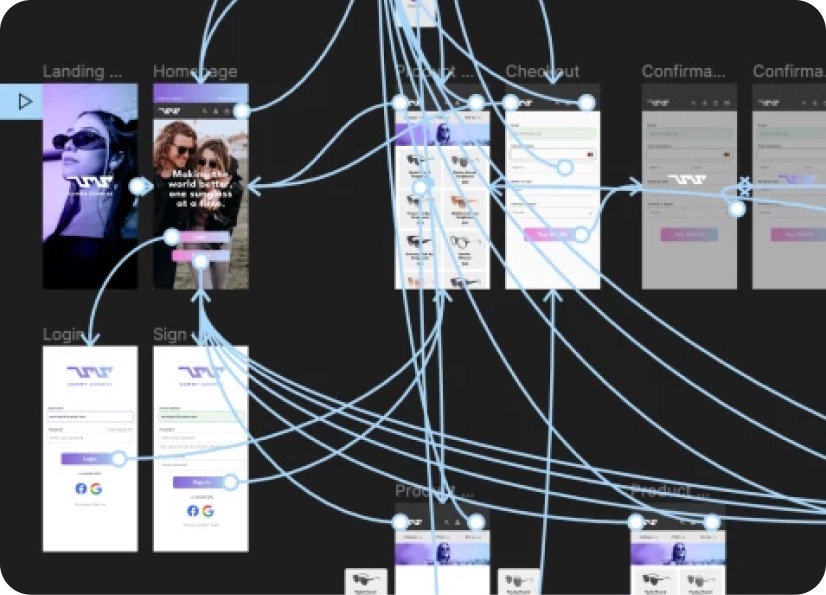
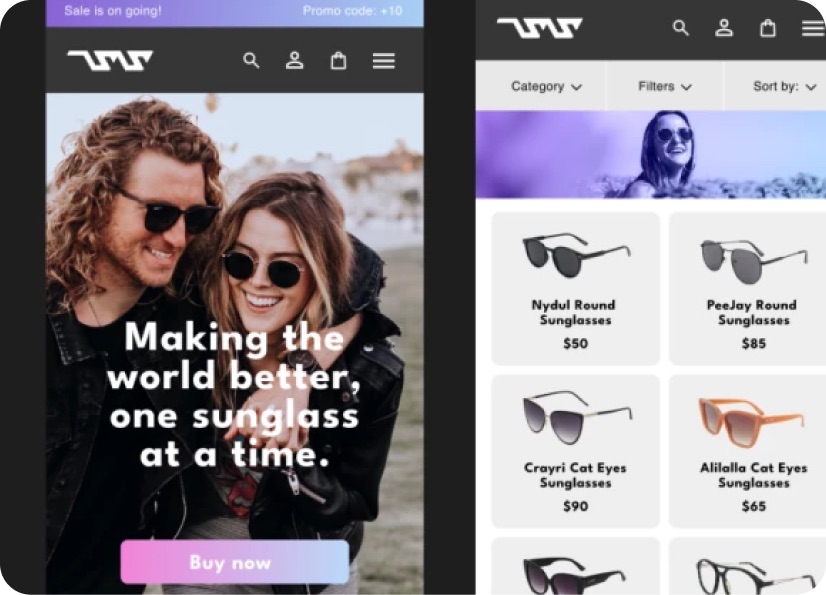
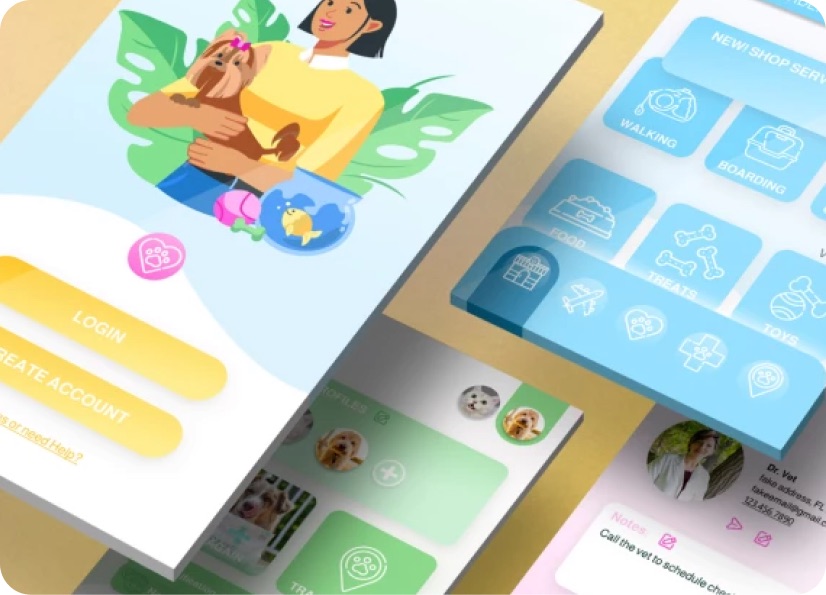
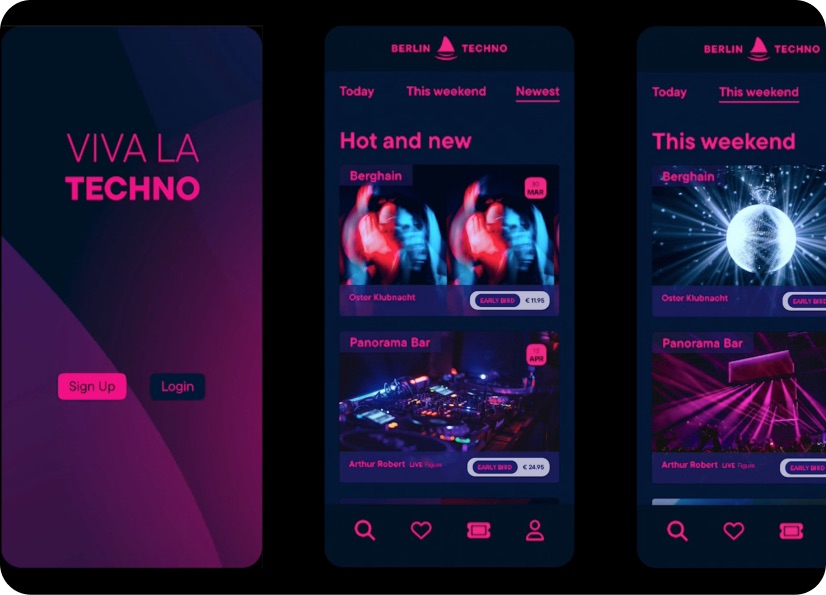
Build real world projects as you learn, create portfolio worthy work, and gain practical experience by doing - not just watching. Share your work with our global creative community, get feedback and support, and learn alongside other students every step of the way.

Meet your instructor
Daniel Scott
Founder of Bring Your Own Laptop & Chief Instructor
I discovered the world of design as an art student when I stumbled upon a lab full of green & blue iMac G3’s. My initial curiosity around using the computer to create ‘art’ developed into a full-blown passion, eventually leading me to become a digital designer and founder of Bring Your Own Laptop.
Sharing and teaching are a huge part of who I am. As a certified Adobe instructor, I've had the honor of winning multiple Adobe teaching awards at their annual MAX conference. I see Bring Your Own Laptop as the supportive community I wished for when I was first starting out and intimidated by design. Through teaching, I hope to bring others along for the ride and empower my students to bring their stories, labors of love, and art into the world.
True to my Kiwi roots, I've lived in many places, and currently, I reside in Ireland with my wife and kids.
Choose your membership plan.
Get unlimited access to every BYOL course and feature. Go monthly for flexibility, or choose yearly and save with our best value option.
Yearly | Best value
- 12 months access for the price of 7
- Save $60.00 vs monthly
- Just $7.00 per month when billed yearly
- Give yourself a full year to level up
- Unlimited access to 35+ design courses
- New course launches and updates
- Take as many courses as you like
- Learn at your own pace
- Class projects & certificates
- Design challenges
- BYOL Expert support
- Private student community
Pay $84.00 today.
Auto-renews annually at $84.00.
Cancel at any time before your renewal.
Monthly | Flexible
- Unlimited access to 35+ design courses
- New course launches and updates
- Take as many courses as you like
- Learn at your own pace
- Class projects & certificates
- Design challenges
- BYOL Expert support
- Private student community
Pay $12.00 today.
Auto-renews monthly at $12.00.
Cancel at any time before your renewal.
Take your design skills to the next level.
Join a private community of designers, with guaranteed feedback and small-group live sessions designed to accelerate your growth.

BYOL+ is for designers who:
- Work solo and want meaningful feedback from peers.
- Are building a freelance business and need guidance.
- Want thoughtful critique to strengthen their portfolio and unlock new opportunities.
"I love the live sessions, the advice has really helped me to move up in my career."
Charlie, BYOL+ student

Includes everything in BYOLCORE, plus:
- 💜 Exclusive BYOL+ Discord community
- ☕️ Live Office Hours with Dan
- ⚡️ Live portfolio review sessions
- 🧠 Live creative community sessions
- 🎬 Live session replay library
- ✏️ BYOL+ exclusive design challenges
- 🔥 Priority BYOL Expert support
- 💬 Priority Class Project feedback
- 📺 Download lessons to watch offline anytime
Pay $199.00 today.
Auto-renews yearly at $199.00.
Cancel at any time before your renewal
Pay $29.00 today.
Auto-renews monthly at $29.00.
Cancel at any time before your renewal
You might also like...


Be the first to hear about new courses and special offers!
